Before. After. Matched.
TETHER STUDIO connects your camera to your Mac so every patient photo lands on screen the moment you take it, with the same exposure and color every visit. Patient sessions, side-by-side compare, and photos that never leave your Mac. $99 once. No subscription.
The before photo was taken in the afternoon, under different light, from a different distance. So the after photo proves nothing. Fix the setup once. Every visit matches.
Consistent photos. Less admin. Happier patients.
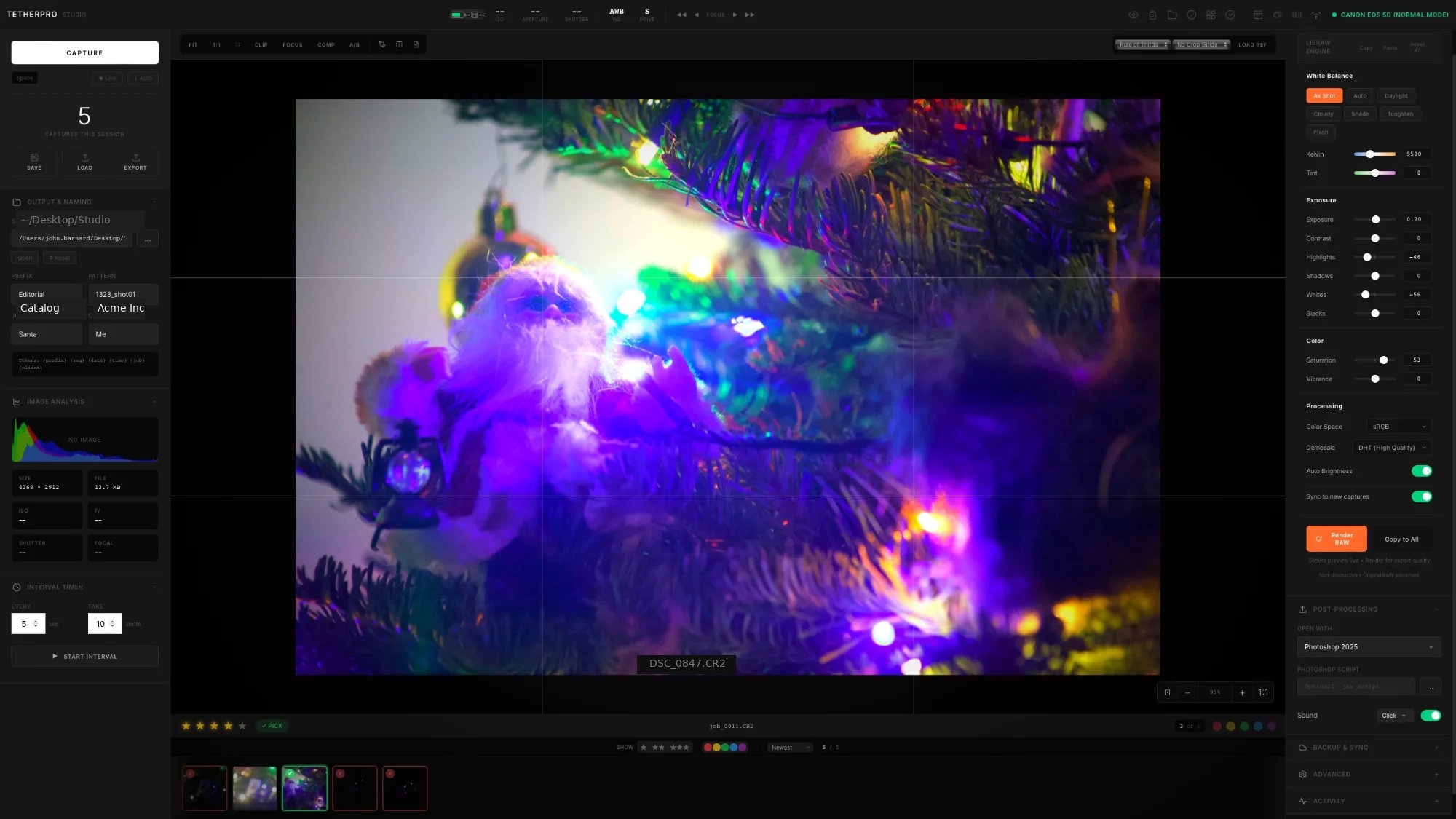
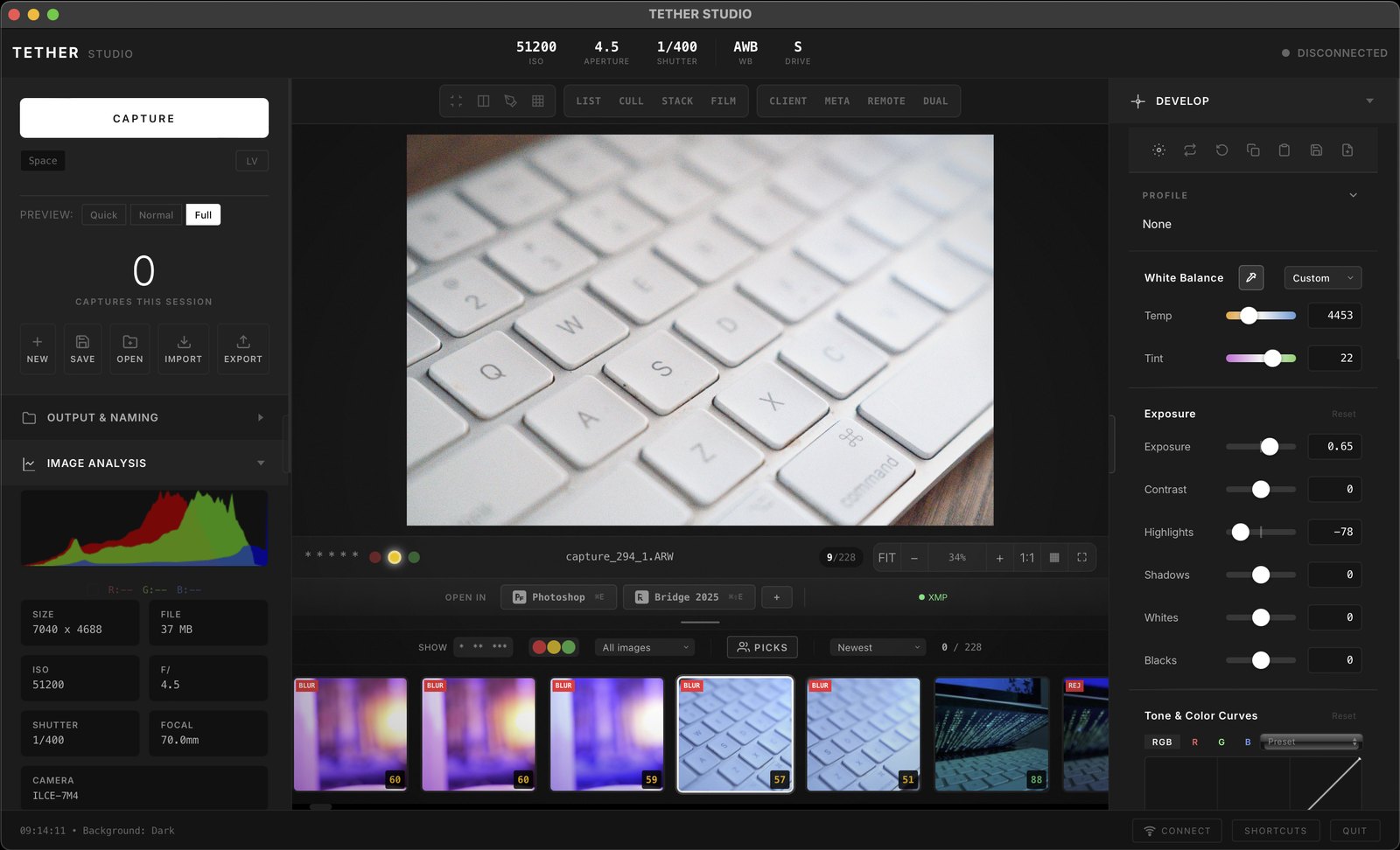
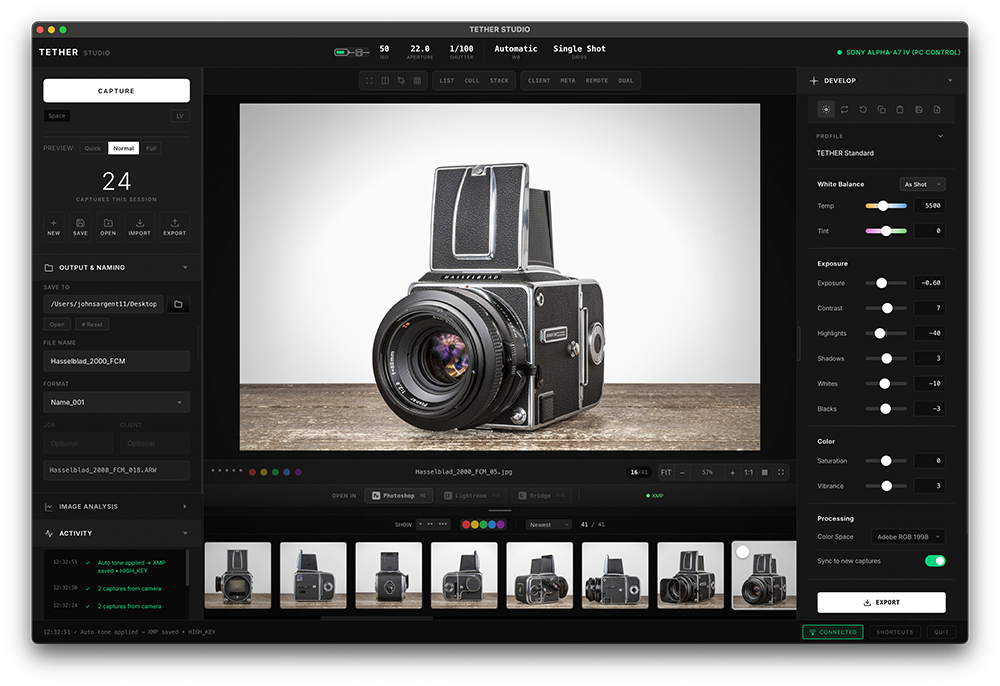
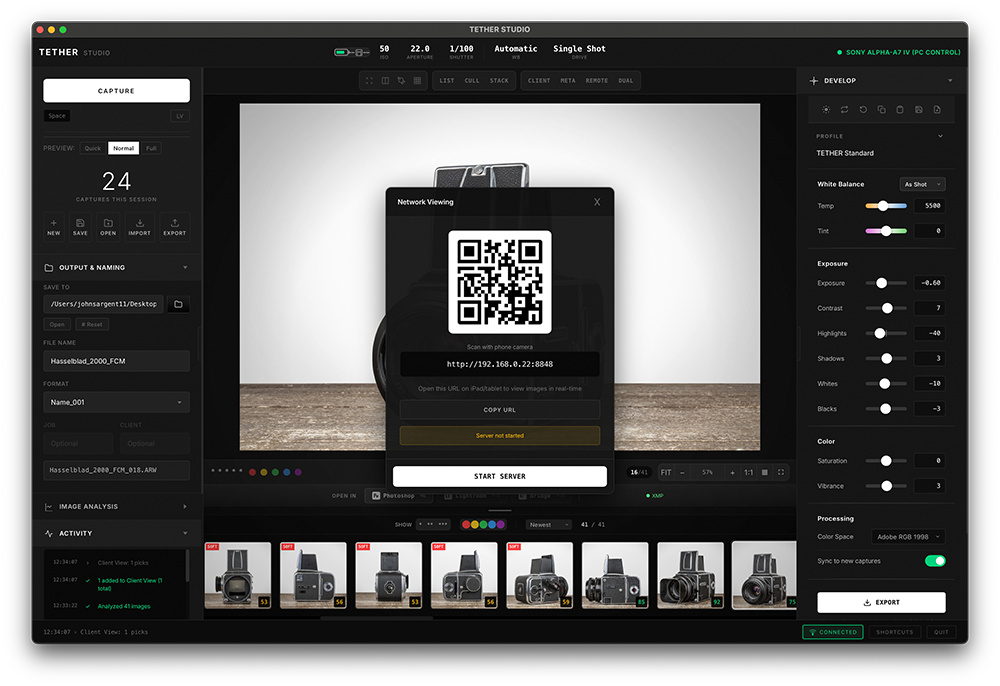
Five steps. Same result every time.
Built for med spas, aesthetic and skincare clinics, dermatology, plastic surgery and dental practices that photograph patients with a real camera.
I'm John Barnard, a commercial photographer and retoucher with 15 years on set for brands like Nike and Apple. Consistent, color-accurate photos are my whole career. I built TETHER STUDIO for my own shoots, and the same discipline is exactly what clinical before-and-after photography needs.
Plain and simple: TETHER STUDIO is a photo capture tool, not a patient records system. It doesn't replace your EHR or practice software. Photos are saved to folders on your Mac, and you manage them under your own privacy and consent policies.
Want help setting up your treatment room? Email hello@tetherstudio.app and I'll walk you through it.
Monthly fees
are over.
Every feature. One price. Two Macs per license. Yours forever.
Clinic FAQ
Do patient photos go to the cloud?
No. TETHER STUDIO works offline with no account. Photos are saved only to folders on your Mac and any backup drive you choose.
How do I make before and after photos match?
Keep the camera and light in fixed positions, set exposure and white balance once in TETHER STUDIO, and turn on Sync to new captures. Every photo after that gets the same settings automatically.
Can I organize photos by patient?
Yes. Start a session per patient or visit. Files are named automatically with tokens such as {client}, {date} and {seq}, and can be saved into subfolders.
Which cameras work?
Most Canon, Sony, Nikon, Fujifilm and Panasonic cameras over USB, plus WiFi on supported Sony, Canon and Panasonic bodies. Check your model on the cameras page.
Does it replace our practice management or EHR software?
No. TETHER STUDIO is a capture tool. It handles taking, comparing and exporting photos; your records system stays as it is.
What does it cost?
$99 once for a license that covers two Macs. No monthly fee. There's a free 7-day trial.